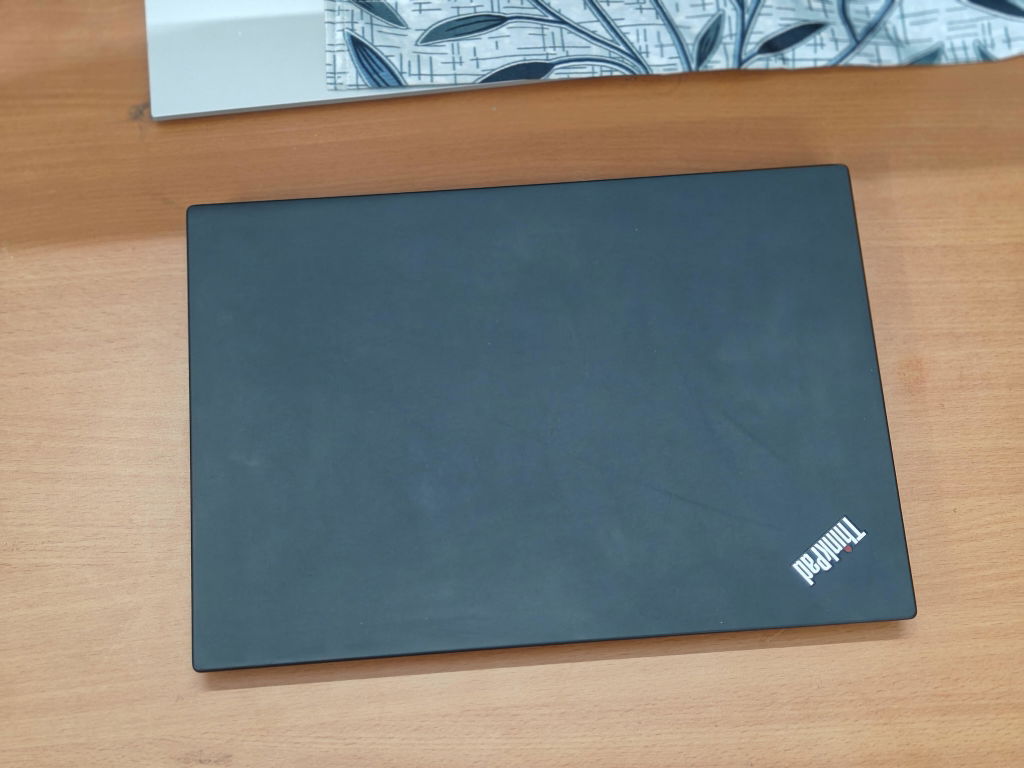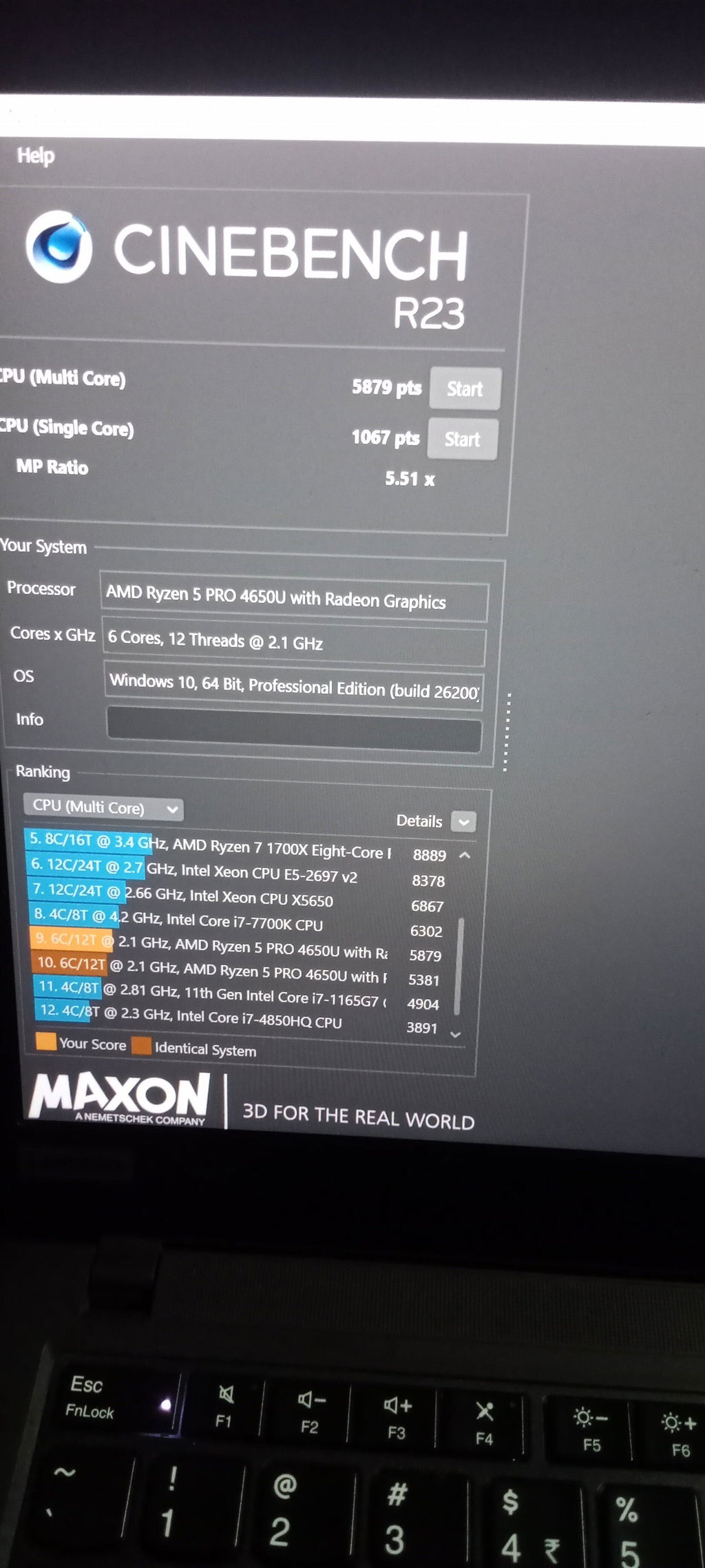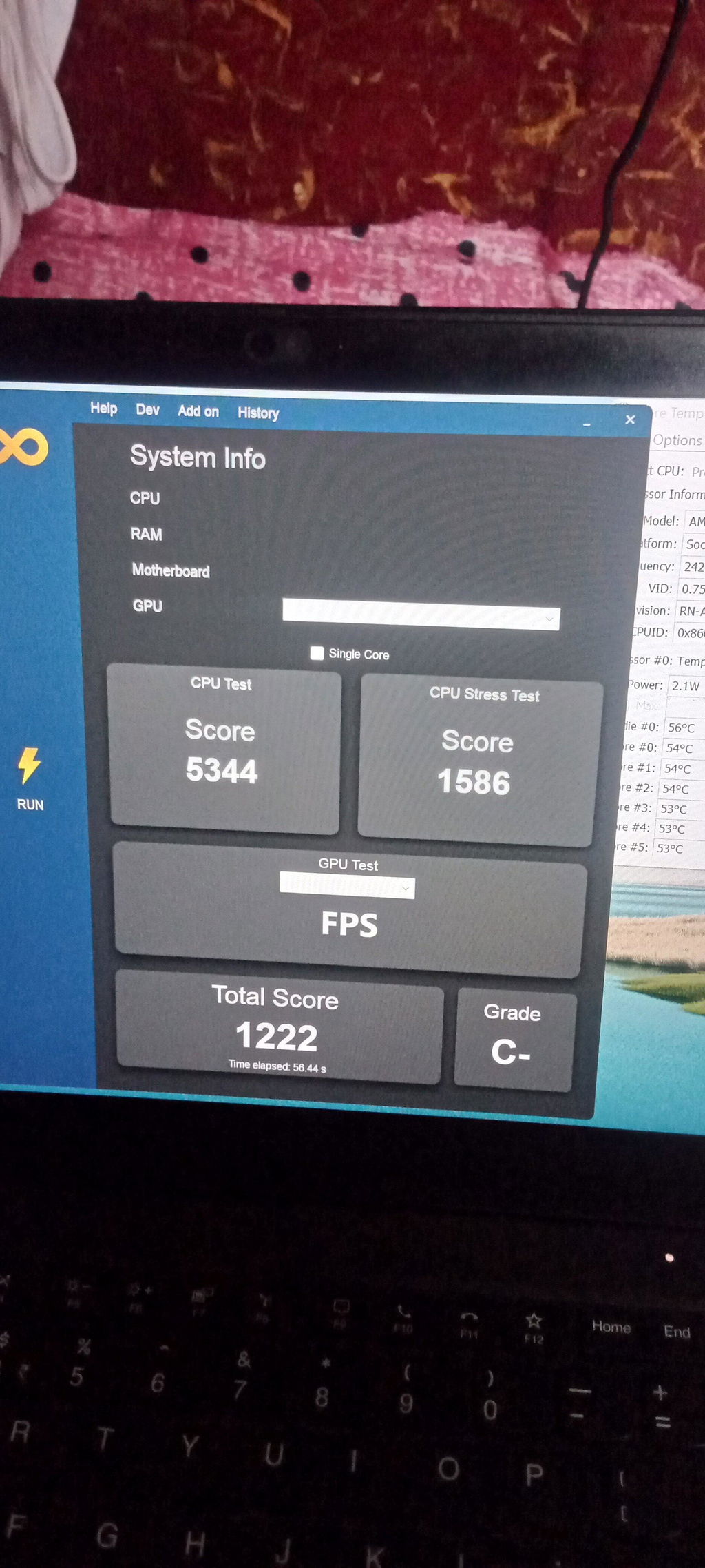

Your code does not care about the shiny i7 sticker on a laptop. A refurbished i7 laptop is a strong choice for programming if it has an 8th-generation or newer processor, 16GB RAM, and a 512GB SSD. However, the i7 name alone tells you very little. The processor generation, power class, memory, storage, and cooling decide how the laptop feels during real work. With the right mix, builds stay quick, and you work with less lag.
That choice matters to a growing group of buyers. According to Octoverse, India added more than 5 million developers to GitHub in 2025. Many of those developers, students, and first-job buyers need useful performance without a new-laptop price. So, before you buy a refurbished i7 laptop for programmers, look beyond the badge and check the parts that affect every build.
What the Intel i7 Badge Really Means
Intel uses Core i7 as a speed tier within each processor family. It does not mean that every i7 beats every i5. In fact, a 10th-generation i5 can be faster than a much older i7. It may have a better core count, thread count, memory controller, and power design.
The full processor model matters because it tells you the processor generation and product class. Then, check its sustained clock speed and cache size. Turbo speed may look impressive in a listing, but a laptop must hold useful speed through a long build. If its cooling cannot manage the heat, the processor throttles and slows down.
Programming also uses more than 1 part of the CPU. If you compile a project, run test suites, or start several containers, the work can spread across multiple cores. More cores can cut the time you spend on each build. Meanwhile, hyperthreading helps each core handle another thread when the workload allows it.
Processor Generation Matters More Than the i7 Name
The table below gives you a practical starting point. Exact specifications still vary by processor model and laptop cooling.
|
Processor |
Typical cores/threads |
Practical coding use |
|
Older 4th to 7th Gen i7 |
2-4 / 4-8 |
Basic learning and light scripts, but poor long-term value |
|
i7 8th Gen |
4-6 / 8-12 |
web development, Git, VS Code, and light Docker use |
|
i7 9th Gen or i7 10th Gen |
4-8 / 8-16 |
full-stack work, databases, test suites, and containers |
|
Core i7 11th Gen or i7 12th Gen |
4-14 / 8-20 |
Heavy IDEs, virtual machines, an Android emulator, and data work |
There is another reason to avoid very old models. The Windows 10 end of support arrived on October 14, 2025. As Microsoft explains, regular security fixes no longer reach standard Windows 10 systems. Many processors older than 8th Gen also fail the official Windows 11 hardware rules. That can leave you with an unsupported operating system while you store client code, passwords, and API keys. A newer chip can give you more speed and more years of safe use.
For that reason, a certified refurbished laptop should arrive with a supported operating system and a clear hardware list. Still, check the exact CPU against Microsoft's Windows 11 requirements before paying. A seller's sticker cannot make unsupported hardware officially compatible.
U-Series and H-Series Processor Differences
Two laptops may both show Core i7 11th Gen and still perform very differently. The letter near the end of the processor model helps identify its power class. However, cooling, power limits, and laptop design also affect real speed.
For reference, Intel lists the i7-10750H with 6 cores, 12 threads, a 12 MB cache, and a 45 W TDP. That H-series chip targets heavier work than a low-power U-series processor from the same period.
-
A U-series processor uses less power and usually gives better battery life. It suits front-end coding with HTML, CSS, JavaScript, and React.
-
An H-series processor can hold more performance during a long build. Choose it if you use Android Studio, Unity, Visual Studio, or a large C++ codebase.
-
A P suffix usually marks a middle power class on supported generations. It can suit a day that mixes front-end work with heavier backend jobs.
-
A Y suffix points to a very low-power processor. It may feel slow if you run a large IDE, local server, and browser together.
If you are unsure, match the suffix to your workload instead of choosing the loudest specification. Saudewala lists the processor model on its refurbished i7 laptops, which makes that comparison easier. For a current example, the Toshiba DynaBook i7-1185G7 pairs that low-power 11th Gen chip with 16GB RAM and a 14-inch FHD screen from ₹35,999. It suits front-end work where battery life matters more than sustained load.
RAM Requirements for Programming
The processor is not always the reason a laptop feels slow. Often, the problem is memory. Your IDE, local server, databases, browser tabs, and Docker can fill 8GB quickly. Once Windows starts moving active data to the SSD, every switch between apps feels slower. More RAM leaves room for your tools and cuts the lag you feel each day.
-
A refurbished laptop 16GB RAM setup gives most developers a sensible starting point. It can run VS Code, PyCharm, Git, and a local server without forcing you to close everything else.
-
Choose 24GB or 32GB if Docker images, virtual machines, Android Studio, or an Android emulator are part of your normal day.
-
Keep 8GB only if you are learning Python, C++, or JavaScript with 1 editor and a few browser tabs.
-
Look for a free RAM slot if you may upgrade later. Many business-class laptops make that job simple, but some thin models use soldered memory.
SSD Storage for Code and Development Tools
Avoid a mechanical drive for your main storage. SSD storage improves boot times, search, file indexing, dependency installs, and IDE response. You will notice that difference each time you open a project.
A 256GB SSD can fill sooner than expected. The operating system, IDEs, SDKs, package caches, node_modules, Docker images, and browser data all need space. Therefore, a 512GB SSD is the practical starting point for most programmers. Choose 1TB NVMe if you keep multiple repositories, local databases, virtual machines, or large data sets on the laptop. More free space also helps when one job creates a large set of small files.
Storage upgrades should also appear clearly in the listing. If the seller only writes “SSD” without its size and type, confirm those details before you order.
Display, Keyboard, and Ports for Daily Coding
A Full HD 1920 × 1080 screen gives code, terminals, and browser tools enough room. A 16:10 display gives you more vertical space, so you can see extra lines without constant scrolling. If you work for long hours, a matte panel can also reduce distracting reflections.
Keyboard feel matters just as much. ThinkPad and Latitude laptops remain popular with developers because many models offer firm keys and useful key travel. You should still check the exact model because keyboard quality can change across a product family. A good screen and firm keys make long work days much easier on you.
Next, inspect the ports. A useful coding laptop should include USB-C, HDMI, USB-A, and a headphone jack. Also confirm whether USB-C supports display output and charging. If you use external monitors, check how many displays the laptop can drive at the required resolution. Refurbished touch screen laptops can help with interface review, but a clear matte display often gives a programmer better value.
Battery Health, Cosmetic Grade, and Warranty
A second-hand laptop and a properly refurbished laptop are not the same purchase. A used laptop may reach you in the condition left by its last owner. Proper refurbishment should include component testing, repairs where needed, cleaning, grading, and a final function check.
Before paying, confirm these points in writing. These checks show what you will get and who will help if it fails:
-
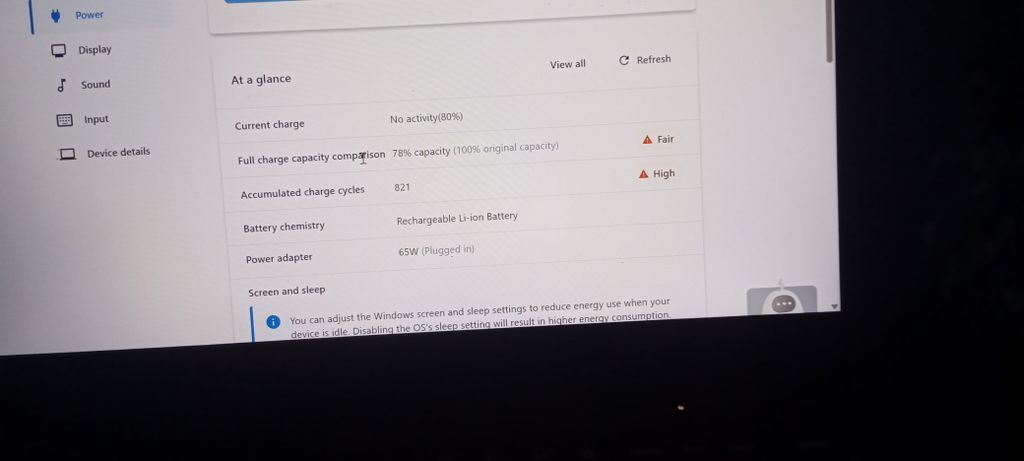
Ask for battery health at or above 80% of original capacity. Also request the cycle count if the seller records it.
-
Check the cosmetic grade. Grade A and Grade B describe appearance, not processor speed, so ask what each grade allows.
-
Make sure component testing covers RAM, storage, screen, keyboard, ports, battery, and thermals.
-
Get a written warranty and read its exclusions. A warranty is only useful if you know how to claim it.
Saudewala states that its products pass a 60+ point quality check. Its current warranty page lists 1 year for laptops, 3 months for batteries and chargers, and selected extensions up to 2 to 3 years. You may still see product periods ranging from 3 months to 3 years across old and current listings, so the exact product page and invoice should settle the term.
The website also displays a 7-day return and a 14-day replacement offer in some sections. However, its detailed return page currently describes a 14-day return window for valid issues. Read the live policy before checkout because eligibility, proof, packaging, and deductions can affect a claim.
Choosing Specifications for Your Programming Work
Web Development and Front-End Coding
An i7 10th Gen or 11th Gen U-series processor with 16GB RAM and a 512GB SSD handles React, Node.js, Laravel, and browser testing well. It should also stay quieter in a classroom or shared office. If your work stays inside VS Code and browser tools, you may not need the heat or cost of an H-series processor.
Full-Stack and Backend Development
Choose at least 6 capable cores and 16GB RAM if you run APIs, databases, Docker containers, terminals, and browser tests side by side. Dell refurbished laptops from the Latitude line often suit this type of work. Saudewala currently lists the Latitude 5420 i7 11th Gen at ₹37,499 with Windows 11 and a 1-year warranty. That base model ships with 8GB RAM, so pick a 16GB variant if Docker and databases run together.
Android, Data Science, AI, and Unity
An H-series processor and 32GB RAM give heavier tools more room. If you train models locally or work with Unity, a refurbished workstation laptop with discrete graphics may help. Saudewala currently lists the ZBook 15 G6 i7 9th Gen from ₹36,999.
It is a genuine mobile workstation, though its base variant carries 8GB RAM. If you want a discrete GPU in a lighter 14-inch body, the Lenovo ThinkPad P14s Gen 2 adds an Nvidia T500 with 16GB RAM from ₹45,999. For local model training or large Unity scenes, the HP ZBook Studio G7 steps up to a Core i9 with 32GB RAM and a 512GB SSD at ₹61,999. The wider refurbished workstation range covers desktop-class workloads too.
If your budget feels tight, compare a refurbished i5 laptop with the i7 model you are considering. A newer i5 may offer better value than an old i7. The Dell Latitude 5320 i5 11th Gen is one such case, with 16GB RAM and a 13-inch FHD screen from ₹34,499. You can also check refurbished laptops under 30000, but compare the complete processor model, RAM, SSD, screen, and warranty before choosing.
Refurbished Laptops in Bulk for Development Teams
Startups and agencies often need 6 or 20 matching laptops at once. Buying new systems can take a large part of the quarter's budget, while refurbished corporate laptops can give the team one setup and one support path.
Saudewala supplies refurbished laptops in bulk from Ghaziabad to Delhi, Noida, Bangalore, Hyderabad, Pune, Chennai, Mumbai, and other cities across India. Its partial COD option requires 5% upfront, with the remaining amount due at delivery in eligible locations. For a stock-based quote, send the required processor, RAM, storage, quantity, and city to the bulk orders team.
Buy the Specifications Your Code Needs
A good refurbished i7 laptop for programmers needs more than the right label. Start with the processor model and generation. Then check RAM, SSD size, cooling, display, ports, battery health, grade, and warranty. If all of those details fit your work, a refurbished model can run the same development tools while costing much less than a similar new laptop.
Saudewala publishes the model number, RAM, storage, and warranty on its listings. If you share what you build, your budget, and your city, the team can narrow the stock to suitable choices. Reach Saudewala through contact us or WhatsApp. The current contact page lists support hours from 10 AM to 7 PM, Monday to Saturday.
Frequently Asked Questions
1. Are refurbished laptops suitable for professional programming?
Yes, if the laptop has a supported processor, enough RAM, SSD storage, and a clear warranty. For most professional work, start with an 8th Gen or newer CPU, 16GB RAM, and a 512GB SSD.
2. Is an older i7 better than a newer i5 for coding?
Not always. A newer i5 can have more cores, faster memory support, and better power use than an older i7. Compare the full processor model before you compare the i5 and i7 labels.
3. How much RAM do developers need in 2026?
16GB works well for most coding tasks. Move to 32GB if you run Docker, several virtual machines, Android emulators, large databases, or local AI tools at the same time.
4. Can a refurbished i7 laptop run Visual Studio, IntelliJ, and Docker together?
Yes. An i7 9th Gen or newer processor with 16GB RAM and a 512GB SSD can handle those tools together. If your containers and projects are large, 24GB or 32GB will give you more breathing room.
5. What warranty should a refurbished laptop include in India?
Look for a written term, clear hardware coverage, and a claim process you can follow. Saudewala's current laptop policy states 1 year, while selected extended options may reach 2 to 3 years. Always save the product page and invoice from the day you buy.