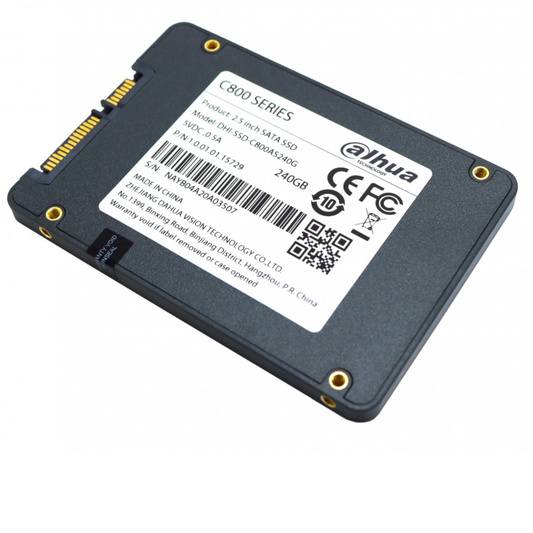
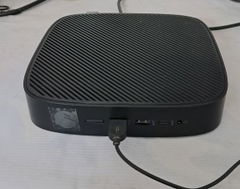
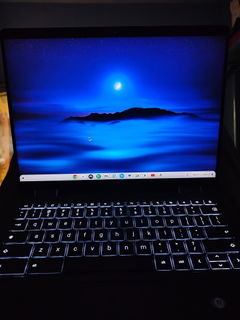
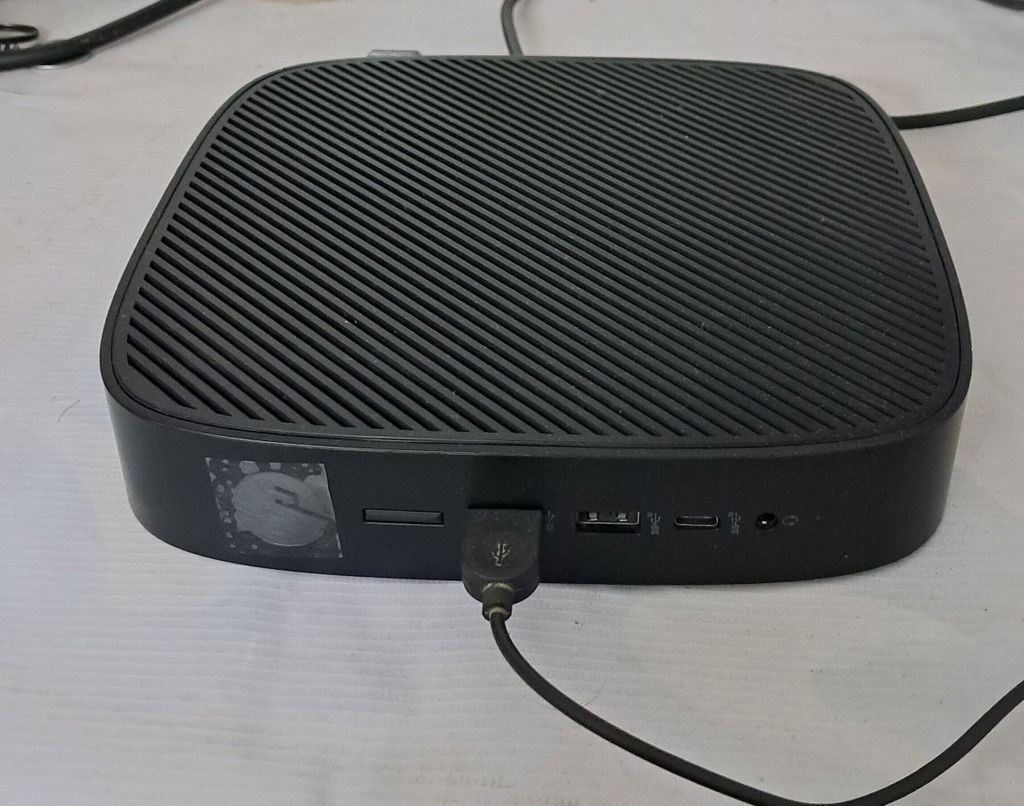
The product is in A+++ condition and was obtained at an optimal price with excellent packaging and delivery within 3 days. I appreciate the exceptional support provided by Mr. Adarsh. I have installed Linux Mint XFCE on this PC, which is currently used in my office from 10 AM to 6 PM, six days a week, and it is performing exceptionally well. This PC features a fanless, solid-state design with no moving parts. Upon its initial launch, it was a highly successful enterprise-grade product that originally retailed for 75K. I acquired it for 9,999 with 8GB of RAM and a 128GB SSD. For anyone seeking a powerful, reliable, durable, completely silent, and affordable PC, I highly recommend this. By purchasing a new monitor for approximately 3.5K and a keyboard and mouse for 500, the total setup cost is around 14K. While this PC supports Windows 10 and 11, installing Linux Mint XFCE delivers exceptional performance.