
Computers are a big part of our daily life. We use them for work, study, games, shopping, and staying in touch with people. Inside every computer, including a refurbished Samsung laptop, there is a storage device that keeps your files, photos, videos, and software. The two main types of storage today are HDDs (Hard Disk Drives) and SSDs (Solid State Drives). Both do the same job, but they work in different ways. Let’s understand them in very easy and simple words.
What Is an HDD?
An HDD, or Hard Disk Drive, is the older type of storage. It has been used in computers for many years. Inside an HDD, there are spinning disks and a small arm that reads and writes data. You can think of it like a record player that spins to play music.
HDDs can store a lot of data at a low cost. That is why many people still use them. If you need to store movies, photos, or big files and want to save money, an HDD can be a good option.
But HDDs have some weak points. Because they have moving parts, they are slower and can get damaged if dropped. They also make a small noise while working.
What Is an SSD?
An SSD, or Solid State Drive, is the newer and faster storage device. It does not have any moving parts. It uses memory chips to store data, similar to a pen drive or memory card.
SSDs are much faster than HDDs. A computer with an SSD starts quickly, opens files fast, and runs smoothly. That is why most modern laptops and desktops now use SSDs.
SSDs are also quieter and stronger because there are no spinning parts. However, they usually cost more than HDDs for the same storage size.
Speed Difference Between SSD and HDD
The biggest difference between SSD and HDD is speed. An SSD can be many times faster than an HDD. For example, a computer with an SSD may start in 10–20 seconds, while one with an HDD may take a minute or more.
If you play games, edit videos, or use heavy software, an SSD will make your work much smoother. Even simple tasks like opening a browser or copying files feel faster.
Storage Size and Price
HDDs are cheaper when you need large storage. If you want 1TB or 2TB space at a low price, HDDs are still useful.
SSDs are getting cheaper every year, but they are still more costly than HDDs. Many people now use a mix—an SSD for the operating system and software, and an HDD for storing large files.
Which One Is Better for Modern Users?
For most modern users, SSDs are the better choice. They improve computer speed, save time, and give a better experience. Students, office workers, and gamers all benefit from SSDs.
However, HDDs are still good for backup storage and for people who need a lot of space at a lower cost.
SSDs and Refurbished Devices
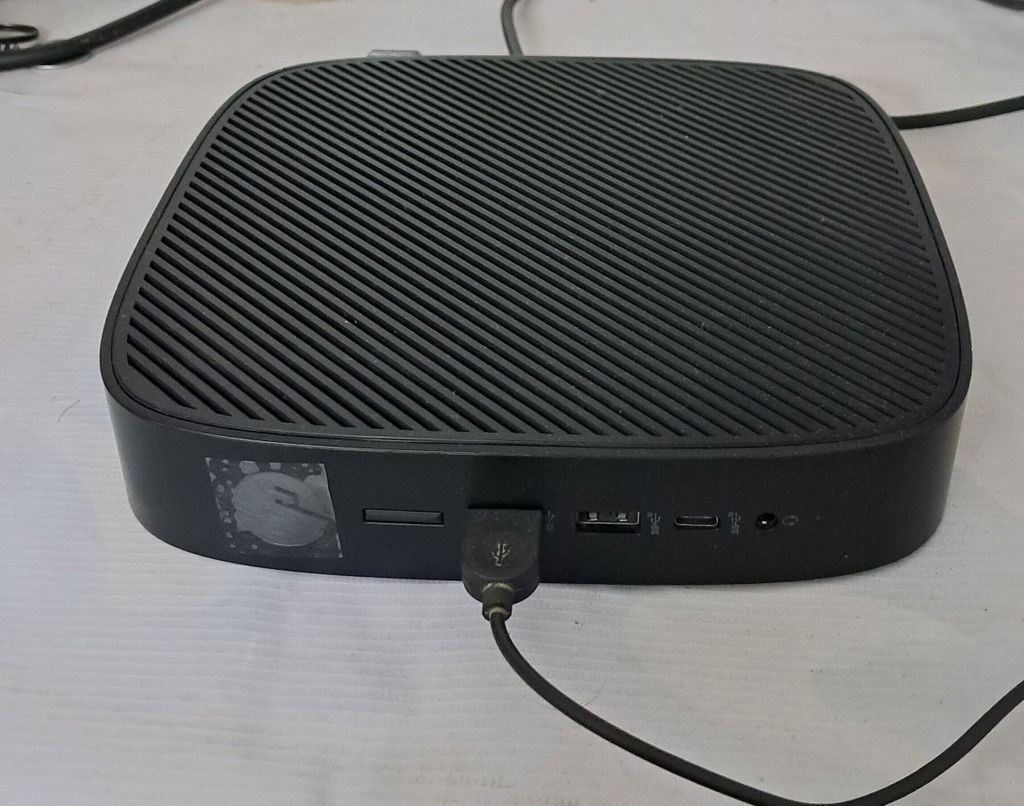
Today, many people buy refurbished devices to save money. Products like refurbished thin clients are popular in offices and schools. These devices often work better when upgraded with an SSD.
A thin client refurbished system with an SSD can run faster and last longer. It is a smart and budget-friendly option for businesses.
Even a refurbished Samsung laptop can feel like new when it has an SSD instead of an HDD. The speed difference is easy to notice in daily use.
Power Use and Battery Life
SSDs use less power than HDDs. This is very helpful for laptops. Less power use means better battery life. So, if you travel or work on the go, an SSD is a smart choice.
Final Thoughts
Both SSDs and HDDs have their place in modern computers. HDDs are good for large, low-cost storage. SSDs are best for speed, performance, and reliability. For most people today, an SSD is the better choice for daily work and smooth performance.
If you are buying or upgrading a computer, always think about your needs and budget. Many smart buyers now choose quality refurbished devices, such as refurbished thin clients, and upgrade them for better performance. In the end, choosing the right storage and buying from a trusted seller like Saudewala can help you get good value and a great computing experience.