
A thin client is a small computer built to connect to a server or cloud desktop, where the real work happens. A mini PC is a full computer in a small box that runs Windows, apps and files on its own. Many refurbished HP thin clients use the same x86 chips as mini PCs. With enough RAM, an SSD and a full operating system, they can work as basic mini PCs for a fraction of the price.
What is a thin client?
A thin client is a low-power desktop made for one job: showing you a desktop that runs somewhere else. Offices use them to log in to Citrix, VMware, Microsoft Remote Desktop or a cloud desktop. The server does the heavy lifting. The thin client handles your screen, keyboard and mouse.
Because the work happens on the server, thin clients ship with modest chips, small storage and a light operating system such as HP ThinPro or Dell ThinOS. They are silent, sip power and are hard to break, which is why banks, billing counters and call centres buy them by the hundred.
What is a mini PC?
A mini PC is a complete desktop shrunk to the size of a book or smaller. It has a proper processor, upgradeable RAM, an SSD and a full operating system like Windows. It runs your browser, Excel, Tally, Zoom and files locally, with no server needed. Business models such as Lenovo ThinkCentre Tiny, Dell OptiPlex Micro and HP EliteDesk Mini are the usual examples.
Thin client vs mini PC: side-by-side comparison
|
Factor |
Thin client |
Mini PC |
|
Main job |
Connects to a server or cloud desktop |
Runs apps and files on its own |
|
Typical processor |
Low-power AMD GX, Ryzen Embedded or Intel Atom |
Intel Core i3/i5/i7 or AMD Ryzen 3/5/7 |
|
RAM |
2GB to 8GB as shipped; some models take more |
8GB to 32GB, usually upgradeable |
|
Storage |
8GB to 64GB flash or a small SSD |
128GB to 1TB SSD |
|
Operating system |
ThinPro, ThinOS, Windows IoT or Windows 10 |
Windows 10 / 11 Pro or Linux |
|
Works without a server |
Only for light tasks, once a full OS is installed |
Yes |
|
Power use |
Very low |
Low |
|
Refurbished price in India |
Roughly ₹2,000 to ₹9,000 |
Roughly ₹10,000 to ₹25,000 |
Prices are a guide from current refurbished listings. Check the live product page for exact pricing.
Can a thin client work as a mini PC?
Often, yes. This is the part most buyers miss. Many HP thin clients are standard x86 computers inside. Give one a full operating system, enough RAM and an SSD, and it behaves like an entry-level mini PC for browsing, documents, billing software and video calls.
Three things decide whether a thin client can make that jump:
- Upgradeable RAM. Look for SODIMM memory slots. Models with RAM soldered to the board are stuck at what they ship with.
- A real storage slot. An M.2 or mSATA slot lets you fit a proper SSD. Fixed 8GB or 16GB flash storage is too small for a full Windows install with updates.
- Processor headroom. Quad-core and Ryzen Embedded chips handle office multitasking. Low-end dual-core Atom chips struggle with modern browsers.
Which refurbished thin clients are closest to a mini PC?
These are the most in-demand models in our refurbished thin client and mini PC range, sorted from “closest to a mini PC” to “pure thin client”.
1. HP t640: the strongest all-rounder. It runs an AMD Ryzen Embedded R1505G with Radeon Vega graphics, has two DDR4 memory slots and an M.2 slot that takes an NVMe SSD. It is the best pick if you want a thin client that doubles as a daily office PC.
2. HP t730: the multi-monitor pick. A quad-core AMD RX-427BB with Radeon R7 graphics drives up to four displays. Trading desks, control rooms and dispatch counters like it for that reason.
3. HP t620: the budget quad-core. Two memory slots and flash storage that you can upgrade make it a flexible starter box for billing, POS and remote desktop work.
4. HP t630: the newer quad-core. It moves to DDR4 memory and has two M.2 storage slots, so it upgrades more easily than the t620.
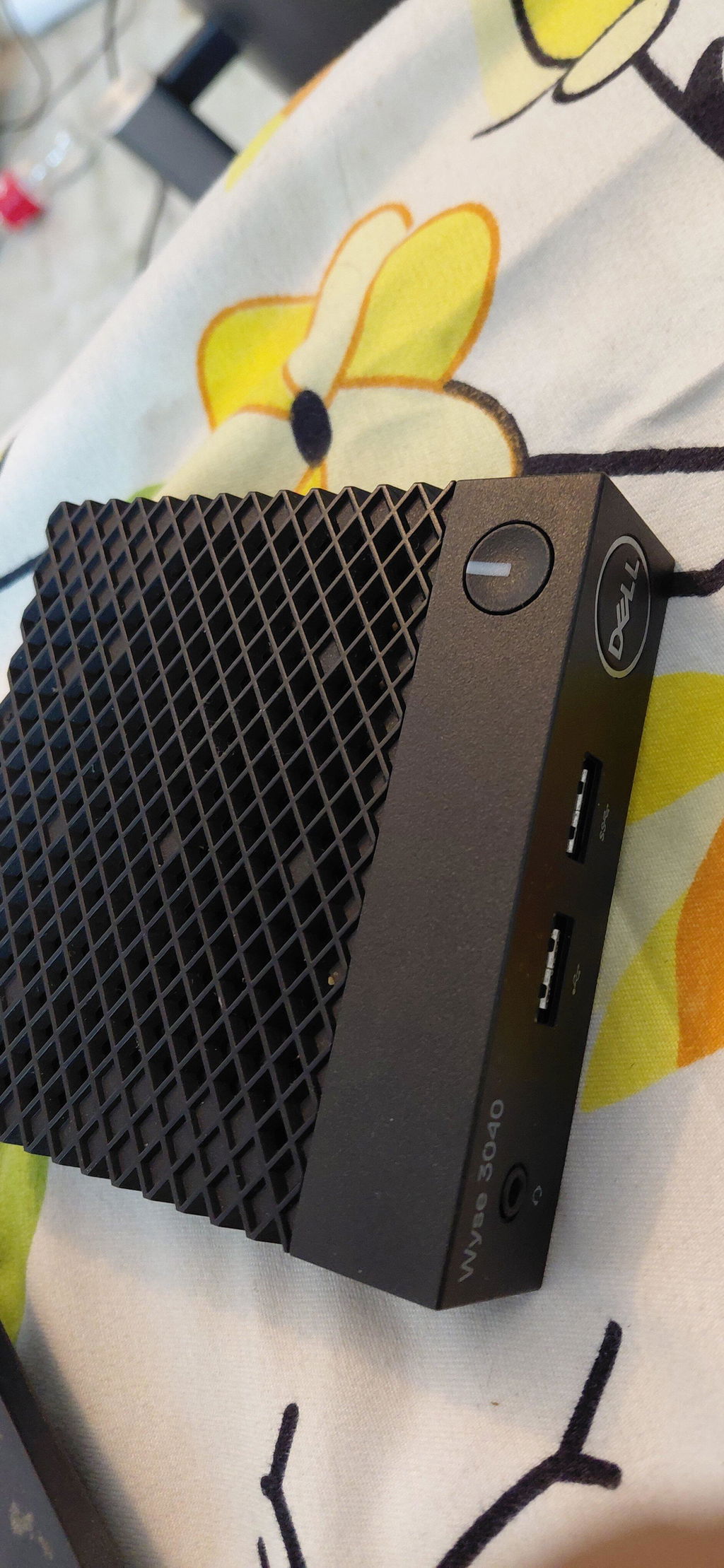
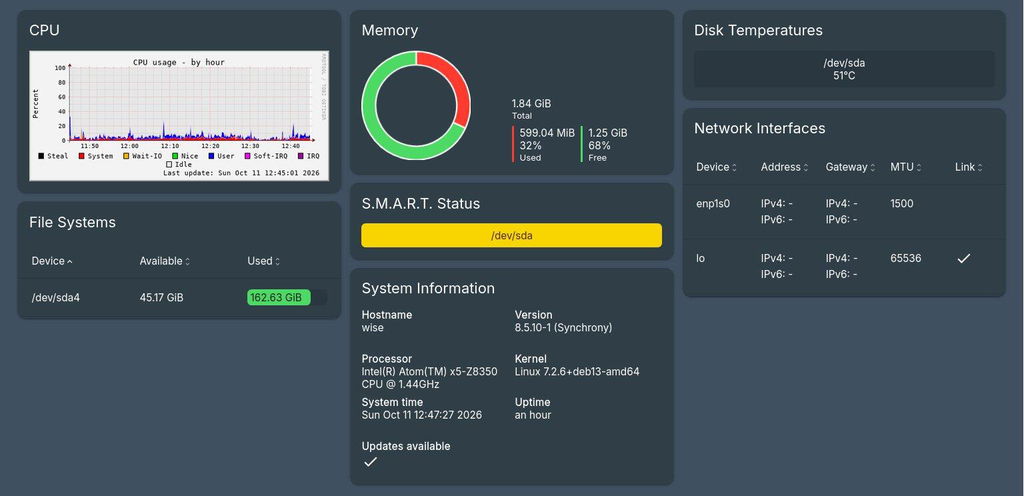
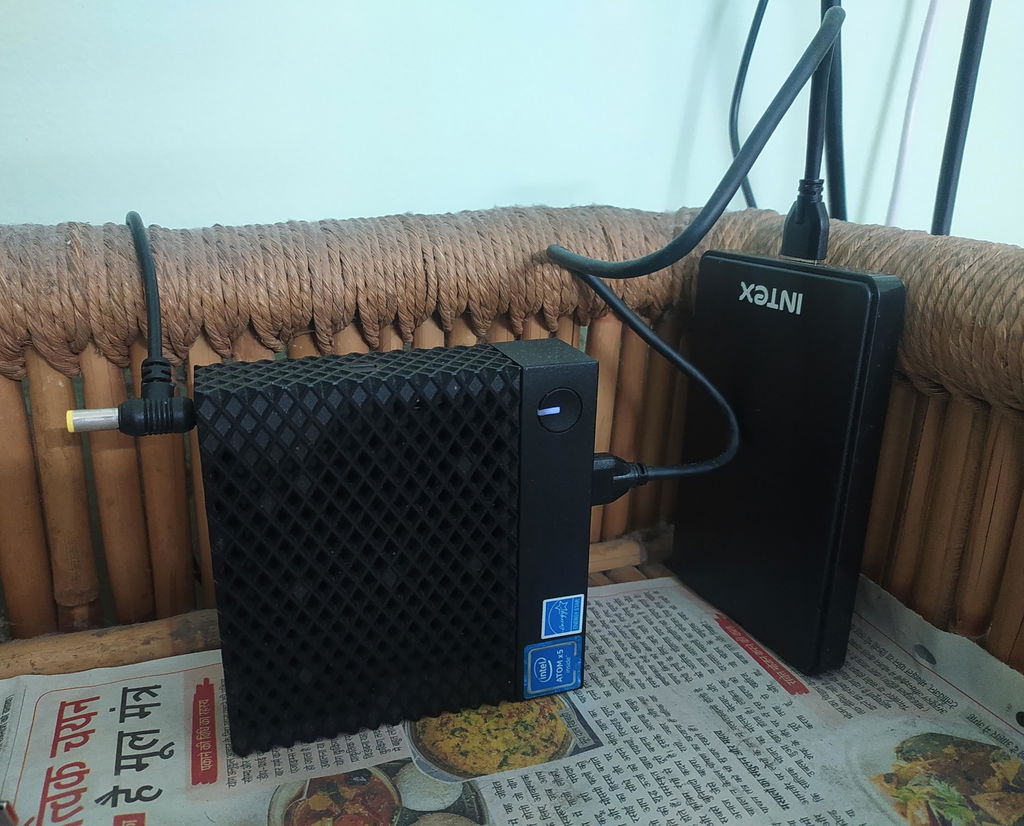
5. Dell Wyse 3040: the pure thin client. It is palm-sized, fanless and runs an Intel Atom x5-Z8350. RAM and storage are soldered, so keep it for remote desktop, signage and kiosk use. Do not plan to turn it into a Windows workstation.
6. HP t530: the lowest-cost entry. A dual-core AMD chip makes it a good fit for a single-app counter, a receptionist screen or a classroom lab that connects to a central server.
When should you buy a thin client instead of a mini PC?
- You already run a server or cloud desktop. Citrix, RDP, AWS WorkSpaces or Azure Virtual Desktop users only need a screen-and-keyboard box.
- You are setting up many identical seats. Call centres, billing counters, hospital desks and school labs save on hardware and on IT time.
- The job is one app all day. POS, attendance kiosks, queue screens and digital signage do not need a full PC.
- Power and noise matter. Fanless thin clients suit shops, clinics and reception desks.
When should you buy a mini PC instead?
- There is no server. A home office, a freelancer or a small shop with no IT setup needs a computer that works on its own.
- You run heavier software. Tally with large data, many browser tabs, Photoshop, light video editing or several monitors need a Core i5 or Ryzen 5.
- You want Windows 11. Most thin-client processors are not on Microsoft’s supported list for Windows 11, so a newer mini PC is the safer long-term choice. See Microsoft’s Windows 11 requirements.
For more setup ideas, read how refurbished mini PCs can power a small business and how to upgrade your work-from-home setup with a mini PC.
A note on Windows 10 thin clients
Some thin clients ship with Windows 10 or Windows 10 IoT. Microsoft ended regular Windows 10 support on 14 October 2025, then extended the consumer Extended Security Updates (ESU) programme to 12 October 2027. That gives home and small-office users time, but plan your move for any machine that handles payments or customer data. For a server-connected thin client, the remote desktop’s own security matters more than the local OS.
Buyer checklist before you order
- Decide the job first: remote desktop, single app or full standalone PC.
- For standalone use, choose a model with SODIMM RAM slots and an M.2 or mSATA slot.
- Target at least 8GB RAM and a 128GB SSD if the thin client will run Windows locally.
- Count your monitors and check the display ports on the product page.
- Confirm the operating system, licence and warranty listed on that specific product page.
Still comparing a thin client with a full-size desktop? Read our guide on thin clients vs traditional computers.
Where to buy refurbished thin clients and mini PCs in India
Saudewala, based in Sahibabad, Ghaziabad, tests and grades every HP and Dell thin client before it ships, with GST invoicing and delivery across India. Browse the full thin client and mini PC collection. For 20, 50 or 200 seats, contact the team for bulk pricing.
Frequently asked questions
What is the main difference between a thin client and a mini PC?
A thin client relies on a server or cloud desktop to run software. A mini PC runs software and stores files on its own.
Can I install Windows on a thin client?
On many HP models, yes, if the unit has enough RAM and a storage slot that takes an SSD. Models with soldered memory and small flash storage, such as the Dell Wyse 3040, are not suited to a full Windows setup.
Is the HP t640 a mini PC?
It is sold as a thin client, but its Ryzen Embedded processor, DDR4 slots and NVMe-capable M.2 slot let it work as an entry-level mini PC for office tasks.
Is a thin client good for home use?
For browsing, documents, online classes and video calls, an upgraded HP t640 or t630 works well. For gaming, editing or heavy multitasking, buy a Core i5 or Ryzen 5 mini PC.
Why are refurbished thin clients so cheap?
Companies retire them in bulk when they change their IT setup. The hardware is built for long office use, so refurbished units still have plenty of working life.
Do thin clients run Windows 11?
Most do not meet Microsoft’s processor requirements for Windows 11. Check the operating system listed on the product page before you buy.